12:00:00
Limited-Time Sale:Save up to 41% per credit on IMG2Excel credit packs
Save 41%Save up to 41% per credit
Upload a document image, profile photo, product reference, or presentation visual and remove the background in seconds. Our AI background remover detects the main subject, keeps important edges clean, and exports a transparent PNG for office documents, slides, reports, and everyday work files.

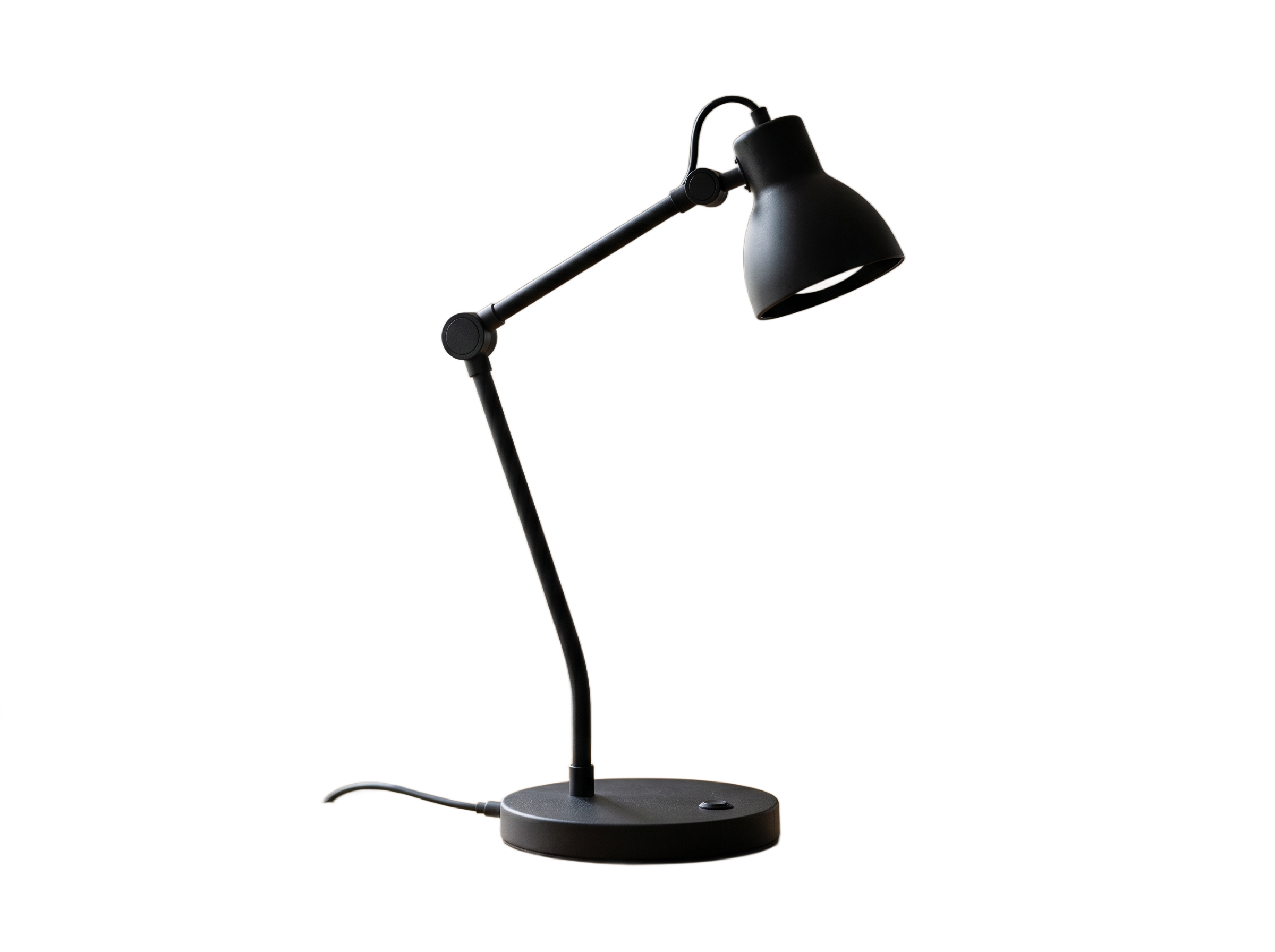






 Click / Drop / PasteSelect from History
Drag and drop or click to upload the photo or document image you want to cut out.
Supports JPG, PNG, and WebP. The AI background remover works best with clear images that have a visible main subject.
The AI background remover automatically identifies the foreground and removes the background.
No brushes, masking tools, or manual tracing required. The background removal workflow is designed to be quick for office users who need clean visuals without editing software.
Preview the AI background remover result and download your background-free output.
Use the transparent result in reports, slide decks, team profiles, training files, product notes, or other work documents.
Built for fast, practical background removal work in office workflows.
Upload one image and let the AI background remover identify the main subject for you, reducing manual editing work.
Generate clean cutouts you can place in slides, reports, documents, PDFs, and internal knowledge-base pages.
Designed to keep important details such as hair, accessories, and object contours more natural.
Remove photo backgrounds in seconds so you can move quickly from upload to usable output for workplace materials.
From team headshots to product references and presentation images, the tool supports common workplace visual cleanup needs.
The experience stays focused on upload, generate, and download so you can get results without extra complexity.
Yes. You can use daily free credits to test the tool and see how it performs on your images before using it more heavily.
JPG, PNG, and WebP images work well. For the best result, use a clear image with one obvious foreground subject and decent contrast from the background.
Yes. The goal of the tool is to remove the original background so you can download a clean result for reuse in other designs and layouts.
Yes. It is suitable for common office use cases such as profile pictures, team headshots, product references, presentation visuals, training files, and report images.
It is designed to preserve fine edges more naturally than basic one-click cutout tools, but results still depend on image quality, lighting, and subject separation.
Most generations finish quickly. Processing time can vary slightly depending on server load and the uploaded image.
No watermark is added to the generated result, so you can use the output directly in your own projects.
No. The tool runs in the browser, so you can upload, remove the background, and download the result without using desktop editing software.